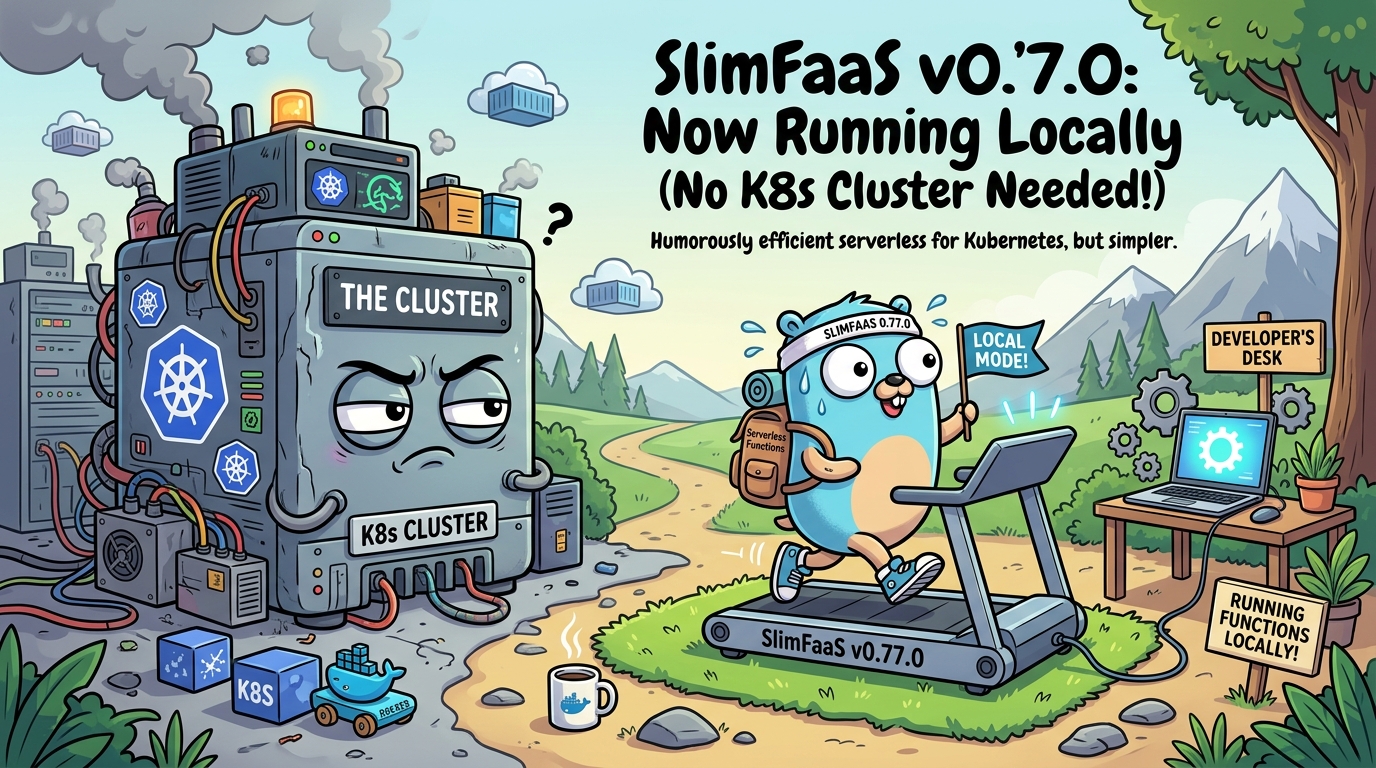

SlimFaaS, the self-described “slimmest and simplest” Function-as-a-Service platform for Kubernetes, just shipped version 0.77.0 with a feature that makes you question whether you even need Kubernetes to develop serverless functions anymore.
SlimFaaS is a lightweight FaaS engine that runs on Kubernetes (or Docker Compose, or Podman). It handles the hard parts of serverless: scale-to-zero, HTTP-driven wake-up, PromQL-based autoscaling, and scheduled jobs. Think of it as a Swiss Army knife for running functions in containers without the cognitive overhead of Knative or OpenFaaS.
The pain it solves is real. You want to run a handful of HTTP functions, scale them to zero when nobody is calling them, and pay nothing for idle compute. But every FaaS platform expects you to have a full Kubernetes cluster just to get started. That is like needing a commercial kitchen to make a sandwich.
Platform engineers and backend developers use SlimFaaS when they want serverless without the cloud bill. It is a CNCF sandbox project with a devoted community and a refreshingly tiny footprint. And version 0.77.0 just gave it something genuinely new: a local development mode that runs your entire serverless stack as plain operating-system processes. No cluster. No containers. No YAML-inflicted trauma. Just slimfaas local up.
Imagine Docker Compose, but it understands serverless functions, autoscaling, and jobs. That is what SlimFaaS 0.77.0 delivers.
What Is New in 0.77.0
Run Serverless Without Kubernetes
The headline feature is native local development mode. The new slimfaas local command starts your functions, jobs, auxiliary processes, and up to three real SlimFaaS/Raft nodes as OS processes on your machine. No Kubernetes required.
This matters because the biggest barrier to FaaS adoption has always been the development experience. Writing a function is easy. Testing it requires a cluster, container images, deployments, and the patience of a saint. Now you can define your entire serverless stack in a single YAML file, run slimfaas local up, and have functions responding to HTTP requests in seconds.
The kicker: the YAML annotations are Kubernetes-compatible. The exact same SlimFaas/Scale, SlimFaas/Schedule, and SlimFaas/Configuration annotations you use in production work locally. Zero config drift between dev and prod.
schemaVersion: 1
name: fibonacci-dev

cluster:
  nodes: 3
  gatewayPort: 30020

processPorts:
  from: 5000
  to: 5999

functions:
  fibonacci:
    command:
      - dotnet
      - watch
      - run
      - --project
      - src/Fibonacci
    annotations:
      SlimFaas/Function: "true"
      SlimFaas/ReplicasMin: "0"
      SlimFaas/ReplicasAtStart: "1"
      SlimFaas/Scale: >
        { "ReplicaMax": 10, "Triggers": [], "Behavior": {} }
    environment:
      ASPNETCORE_URLS: "http://127.0.0.1:{port}"
    health:
      path: /health
      periodSeconds: 1
Implemented in PR #303 and PR #304.
Dynamic Port Allocation and Process Orchestration
When functions scale out locally, SlimFaaS needs to give each replica its own port. The new dynamic port pool (processPorts) allocates the first free TCP port, verifies it before launch, and persists the assignment across crash restarts. Placeholders like {port} and {replica} are expanded in command arguments, environment variables, health checks, and annotations.
This means your autoscaling logic works exactly the same way locally as it does in Kubernetes. SlimFaas sets PORT, SLIMFAAS_PORT, and SLIMFAAS_REPLICA_INDEX for every replica automatically. If the port pool is exhausted, the desired replica stays visible with StartFailureReason=PortRangeExhausted and retries when a port frees up.
functions:
  api:
    command: ["./my-api", "--port", "{port}"]
    port: auto
    environment:
      DATABASE_URL: "${DATABASE_URL}"
      ASPNETCORE_URLS: "http://127.0.0.1:{port}"

processes:
  frontend:
    command: ["npm", "run", "dev", "--", "--host", "127.0.0.1"]
    workingDirectory: src/frontend
    port: auto
    restartPolicy: always
You can also declare auxiliary development processes — frontends, file watchers, emulators — that run alongside your functions. Each process gets its own port, restart policy (always, onFailure, never), and log output prefixed with [process/name].
Overlay Merging and Local Secrets
The local mode supports YAML overlays. You can layer multiple YAML files on top of each other with -f, and SlimFaaS merges them recursively. Scalars and sequences are replaced by the last file that defines them. Set a value to null to remove an inherited field.
This is incredibly useful for keeping secrets out of version control. Your base slimfaas.local.yaml goes in Git. Your slimfaas.local.dev.yaml overlay (with local database URLs and API keys) stays on your machine. Combine with --env-file for dotenv-style variable interpolation:
slimfaas local up \
  -f slimfaas.local.yaml \
  -f slimfaas.local.dev.yaml \
  --env-file .env.local
Native AOT Builds
SlimFaaS 0.77.0 also ships Native AOT (Ahead-of-Time) builds for both SlimFaas and SlimFaasMcp. This means self-contained native binaries for:
- Linux x64 and ARM64
- Windows x64
- macOS x64 and ARM64
AOT compilation means faster startup, lower memory footprint, and no runtime dependency. You get a single binary you can drop on any machine and run. This pairs perfectly with the new local mode: download one binary, write a YAML file, and your serverless stack is live.
Closing
SlimFaaS 0.77.0 takes the bold position that developing serverless functions should not require a cluster. It is right.