

Capsule is a Kubernetes operator that solves multi-tenancy. If you run a cluster where multiple teams, projects, or customers share the same control plane, Capsule gives each group a “Tenant” — a logical boundary with its own namespaces, resource quotas, network policies, and RBAC rules — all without carving up separate clusters.
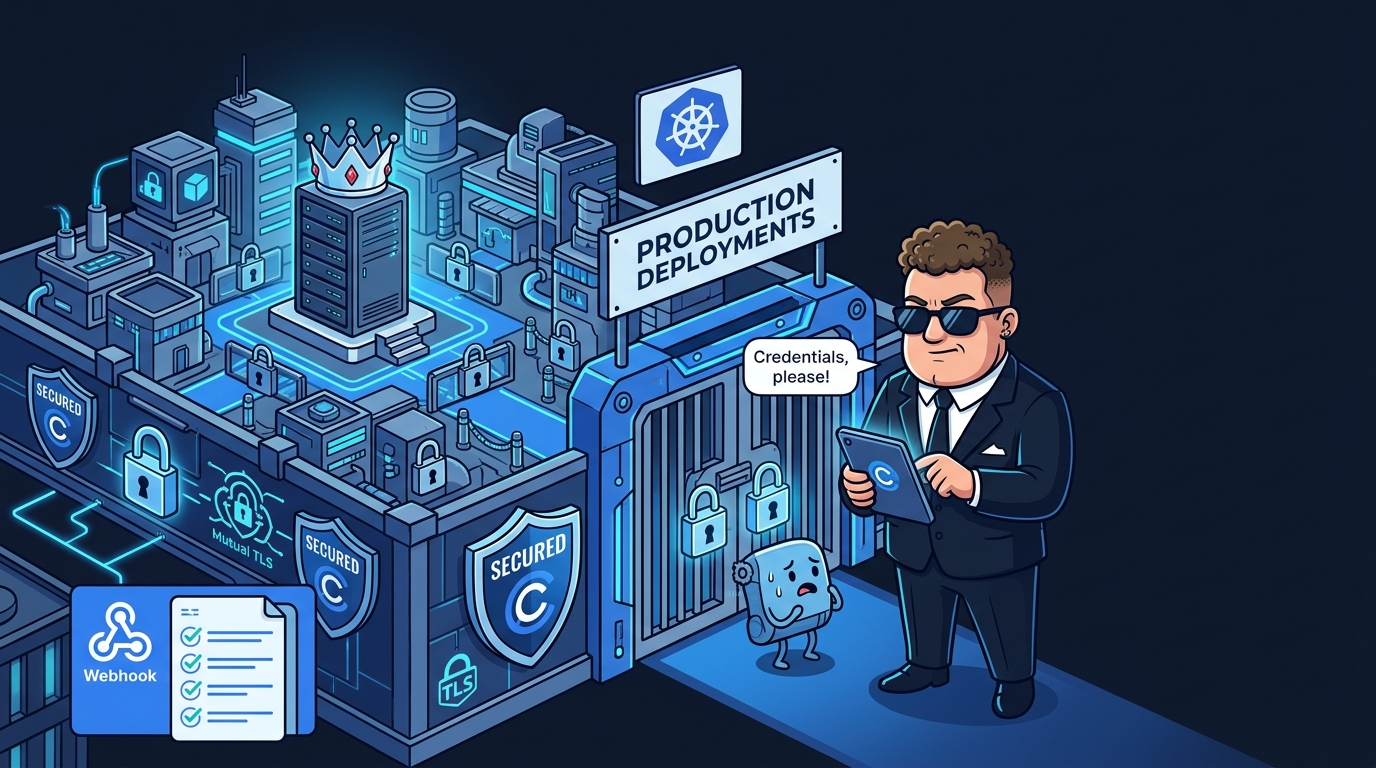
Think of it like an apartment building. Without Capsule, every tenant shares the same front door, the same kitchen, and the same mailroom. Chaos. With Capsule, each tenant gets their own locked unit with a dedicated doorbell, their own thermostat, and a mailbox that nobody else can open. The building superintendent (you, the platform engineer) manages the infrastructure once, and everyone gets their privacy.
Capsule v0.13.10 is here, and it hands the superintendent some serious new powers. The headline: administrator capabilities that let you move namespaces between tenants, a completely revamped rules engine with metadata enforcement and ingress controls, conditional RBAC through rolebindings in the rules API, and significant performance optimizations including a new advanced dashboard. Let’s break it down.
What’s New
Administrator Capabilities: Move Namespaces Between Tenants
This is the big one. Previously, once a namespace was assigned to a Capsule Tenant, moving it was a multi-step manual process involving labels, annotations, and crossed fingers. Administrators can now join existing namespaces to tenants, migrate namespaces between tenants, and unjoin namespaces from tenants — all through the Capsule API.
Why does this matter? Imagine reorganizing your platform after a company merger, consolidating teams, or fixing a misclassification. Before this release, you’d tear down and recreate namespaces. Now it’s a clean administrative operation.
Administrators can now join, migrate, and unjoin namespaces from tenants — three operations that previously required manual label surgery and downtime.
PR #2049 — add administrator capabilities
Revamped Rules Engine: Metadata Enforcement and Ingress Rules
The rules engine — Capsule’s policy framework that lets you define what tenants can and cannot do — got a major upgrade. You can now target rules at specific audiences (CapsuleUsers, Administrators, or the Controller itself), enforce namespace metadata rules with default and managed properties, and configure ingress rules with type-aware validation for standard Ingress, Gateway API, and OpenShift Routes.
This means you can write policies like “all namespaces owned by Tenant A must have a cost-center label” or “ingress hostnames for Tenant B must match this regex” — and Capsule enforces them at admission time, automatically.
spec:
  ingressOptions:
    allowedHostnames:
      allowed:
        - "app.example.com"
      allowedRegex: "^[a-z]+\\.tenant-a\\.com$"
PR #2050 — improve metadata enforcement and add ingress rules
Conditional RBAC Through RoleBindings in the Rules API
This one is subtle but powerful. You can now distribute role-based access control through the Tenant rules API, binding ClusterRoles to specific subjects within a tenant’s scope. Want to give a monitoring service account read-only access across all namespaces in a tenant? Define it once in the Tenant spec.
The YAML is clean and declarative — no more scattering RoleBinding manifests across dozens of namespaces and hoping nobody drifts:
spec:
  owners:
  - name: alice
    kind: User
  rules:
    - permissions:
        bindings:
          - clusterRoleName: 'view'
            subjects:
            - apiGroup: rbac.authorization.k8s.io
              kind: User
              name: joe
PR #2032 — add rolebindings to rules API
Performance Optimizations and Advanced Dashboard
The Capsule controller is now leaner. This release splits controller duties to reduce reconcile queues, eliminates unnecessary reconciliation loops with early-fail logic, and ships an advanced dashboard for monitoring tenant health and controller performance at a glance.
For operators running Capsule at scale — think dozens of tenants across hundreds of namespaces — these optimizations directly translate to lower API server load and faster reconciliation. The dashboard gives you visibility that previously required digging through metrics or writing custom Grafana queries.
PR #2045 — implement performance optimizations
Leader-Election Tuning and Event Labels
Two smaller but practical additions round out the release. Leader-election tuning gives you control over the HA controller’s election parameters — important when running multiple Capsule replicas in production. And managed-by labels on emitted events let you filter and correlate tenant events in the controller namespace, making it trivial to pipe Capsule lifecycle events into your existing observability stack.
PR #2008 — add leader-election tuning
PR #2028 — add managed-by labels to emitted events
Bug Fixes
- Hostname validation logic — The ingress hostname validation had a bug where combining
allowedandallowedRegexproduced nondeterministic results depending on evaluation order. This could allow invalid ingresses through or block valid ones. PR #2015 fixes it. - Namespace metadata validation scope — Metadata validation was incorrectly applied to all users including administrators. PR #2042 restricts it to Capsule users only, letting admins and non-Capsule users modify namespace metadata freely.
- Administrator operations on tenant namespaces — Fixed an issue where administrator operations on tenant namespaces were blocked. PR #2037.
Dependency Updates
- gRPC updated to v1.82.0 (PR #2033)
- klog updated to v2.140.0 (PR #2016)
- OpenTelemetry updated to v1.44.0 (PR #2011)
Multi-tenancy on Kubernetes just got a lot more manageable.